
Describe what you want to generate
Select or drop multiple images, up to 8. JPG, PNG or WebP; 10 MB each.
Select at least 1 image(s).
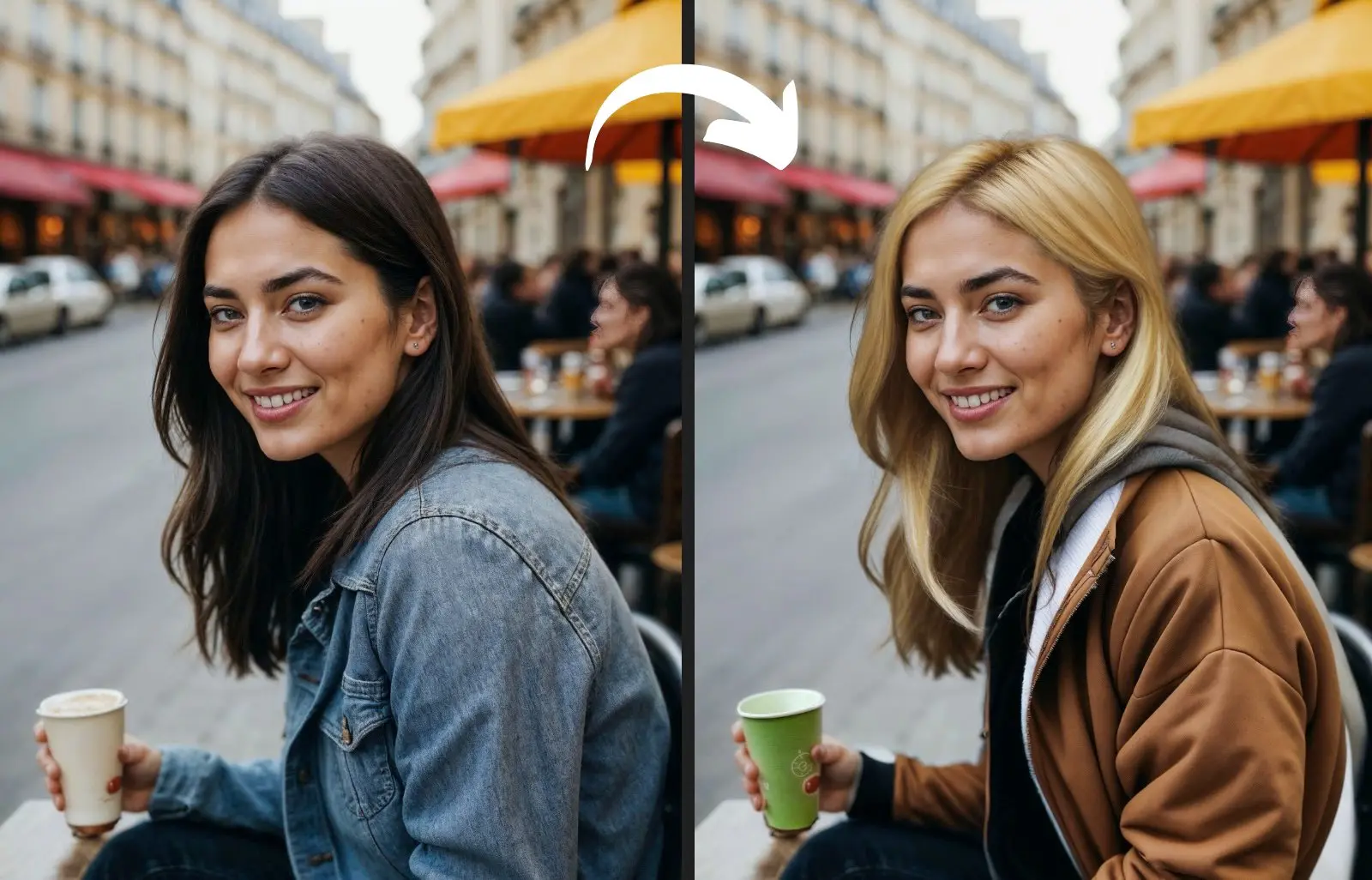
Image to Image AI Transformation – Professional Photo Enhancement Suite
Transform existing images through intelligent region editing, expand compositions beyond original frames with smart outpainting, and apply artistic style transfers. Powered by advanced AI including Flux.1 Fill Pro for surgical editing precision—delivering professional results in 4-8 seconds.
Real-World Professional Applications
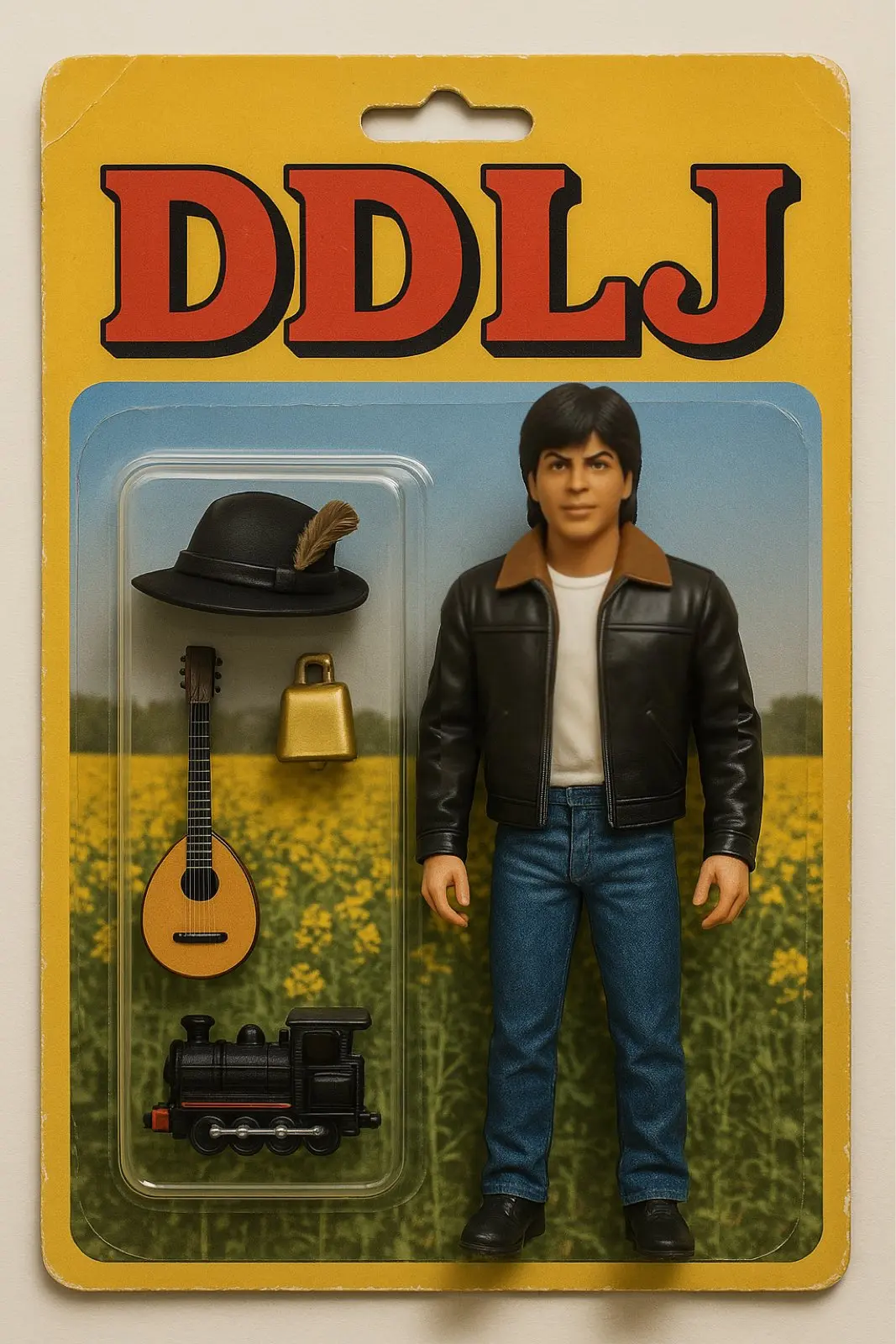
Examples showcasing inpainting precision, outpainting intelligence, and style transfer expertise.

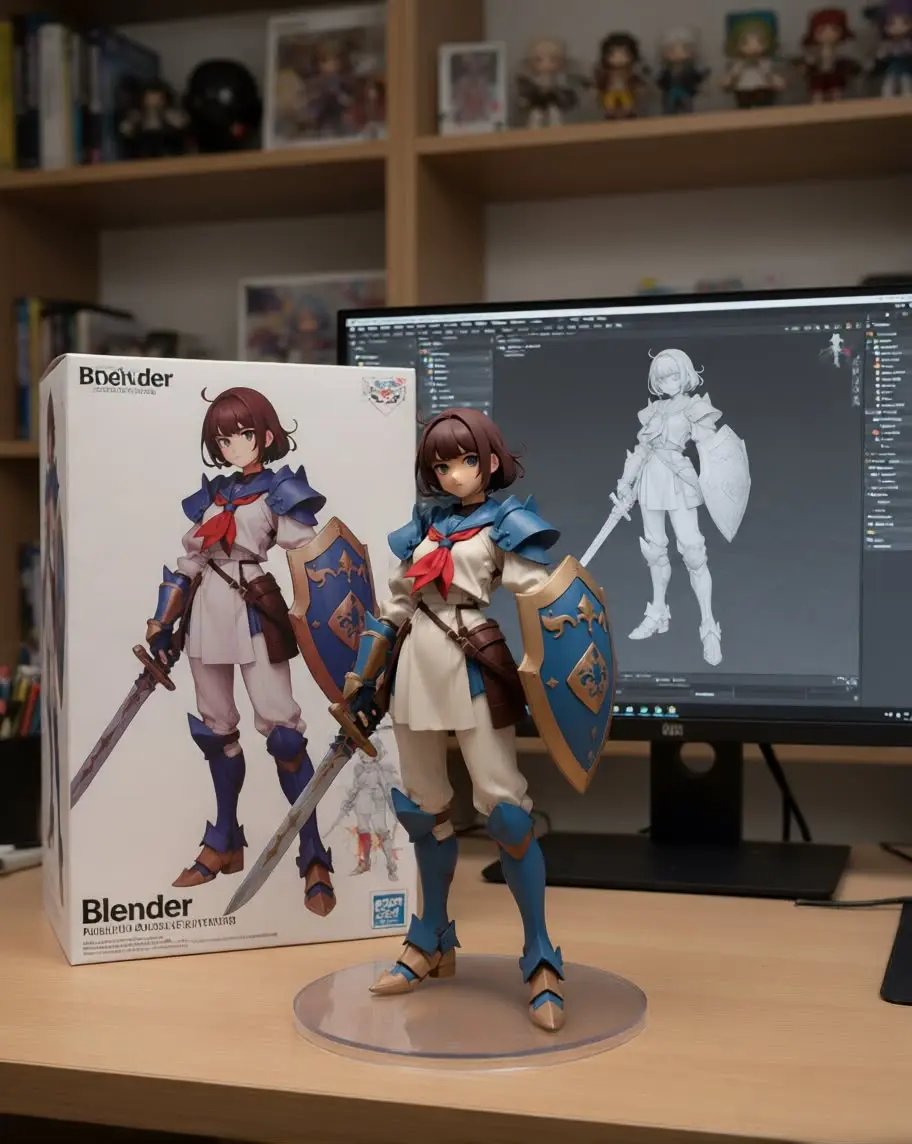
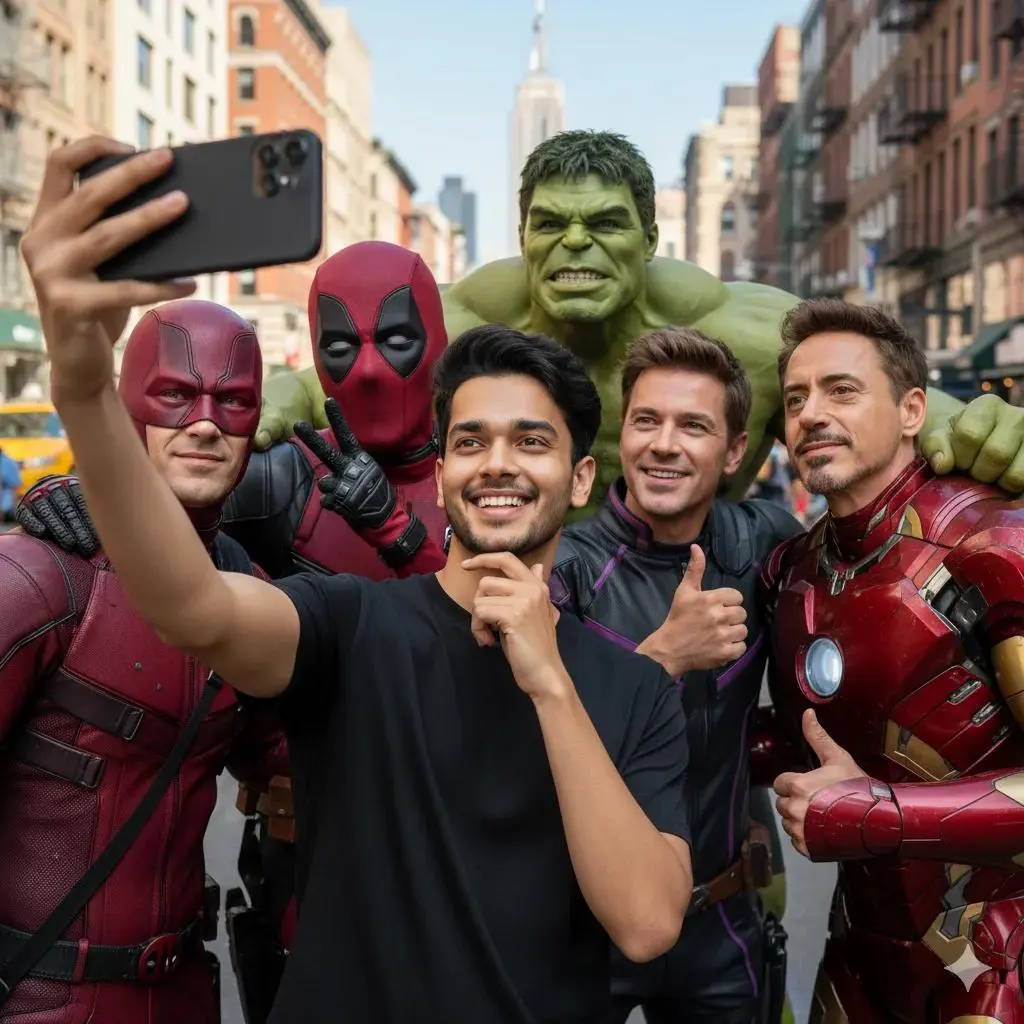
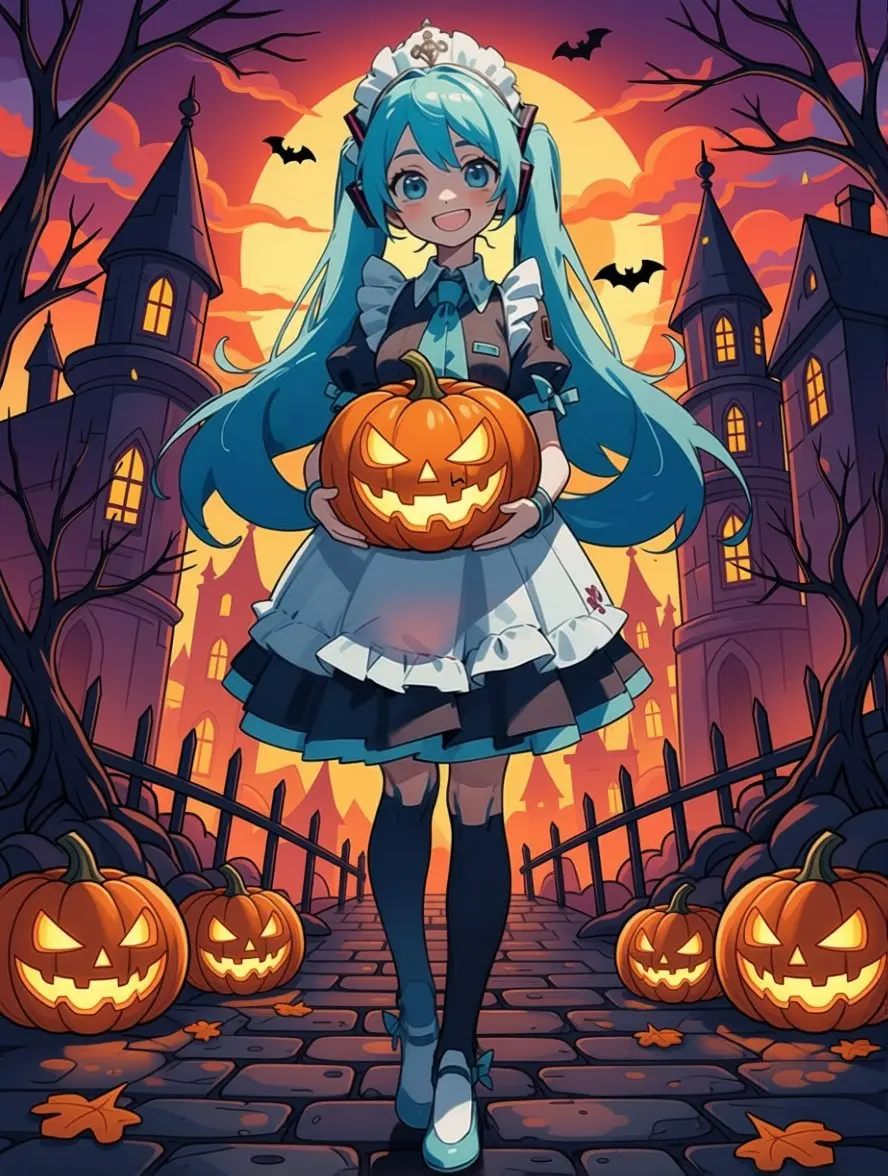
Advanced Inpainting Technology for Pixel-Perfect Edits
Flux.1 Fill Pro provides industry-leading inpainting capabilities—seamlessly remove unwanted objects, replace specific elements, or modify targeted regions with intelligent context understanding. Unlike basic editing tools, our AI analyzes surrounding scene data to generate photorealistic fills that perfectly match lighting conditions, perspective, and texture details.
Intelligent Object Removal
Remove unwanted elements—people, watermarks, distractions—through automated smart reconstruction that maintains scene consistency.
Seamless Element Replacement
Replace specific objects or areas while preserving visual harmony—lighting accuracy, shadow realism, texture matching.
Context-Aware Fill Generation
AI analyzes surrounding content to create natural fills that seamlessly blend with the original composition and style.
Smart Outpainting for Unlimited Canvas Expansion
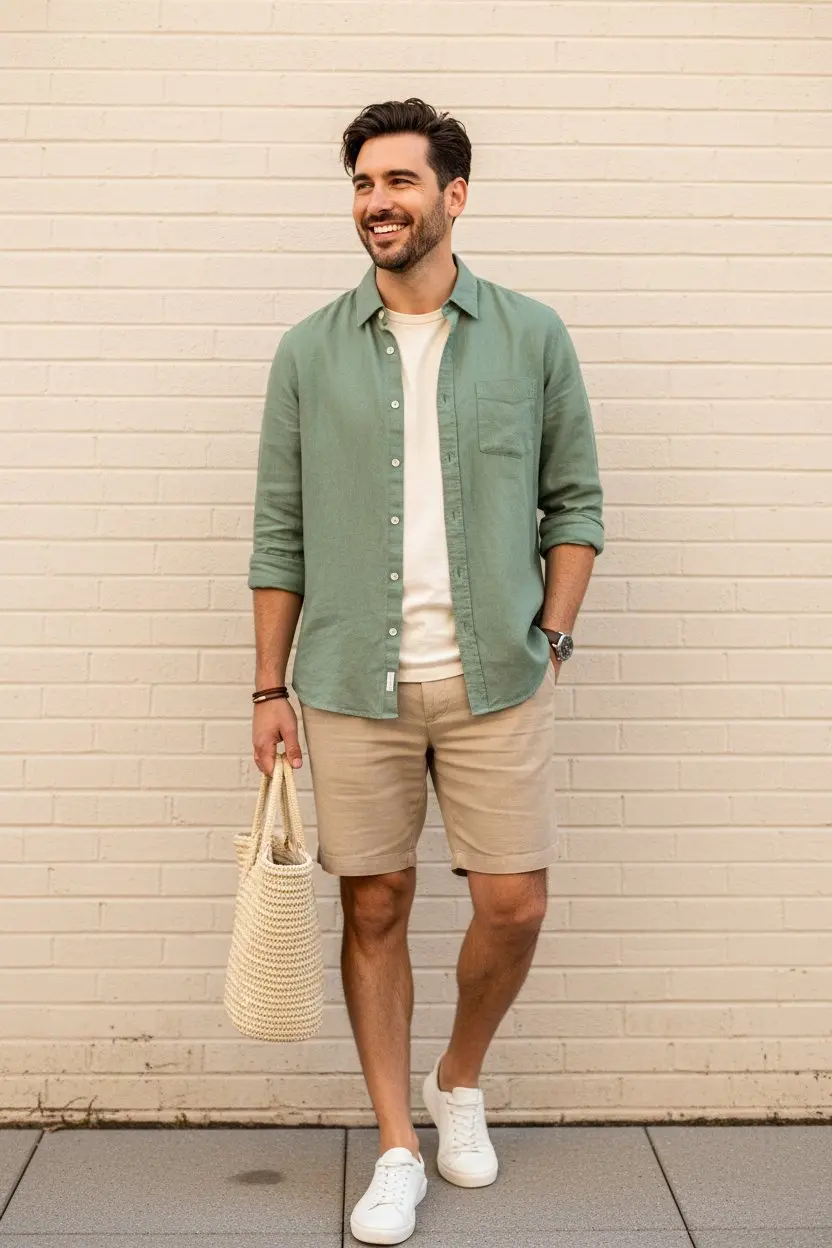
Extend images beyond their original boundaries using intelligent scene continuation technology. Transform cropped photos into wider landscapes, change aspect ratios for different platforms, or expand compositions while maintaining artistic coherence. Our AI understands scene context to generate natural extensions that feel like part of the original photograph.
Scene Expansion Technology
Extend landscapes, cityscapes, portraits beyond original frames—AI generates contextually appropriate continuation of scene elements.
Aspect Ratio Transformation
Convert portrait photos to landscape, square to panoramic—perfect for platform-specific requirements without cropping.
Seamless Integration
Extended areas match original image style, lighting conditions, and artistic characteristics for unified composition.
Professional Style Transfer & Image Enhancement
Transform image aesthetics while preserving core composition—convert photos to watercolors, oil paintings, sketches, or any artistic style. Combine with professional upscaling to 4K resolution and intelligent enhancement for gallery-quality results. Multiple AI models ensure optimal quality for each transformation type.
Artistic Style Transfer
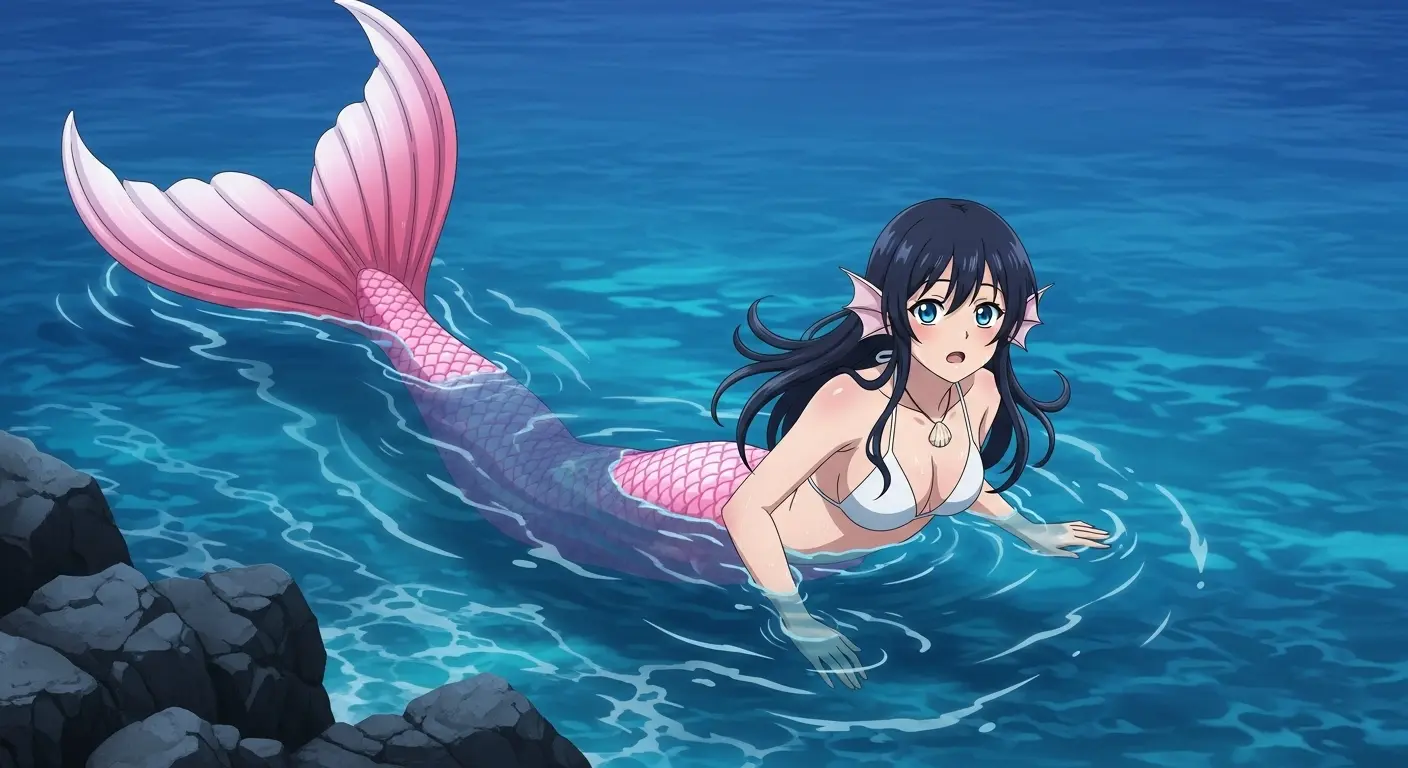
Apply watercolor, oil painting, sketch, anime, or custom artistic styles while maintaining subject identity and composition.
4K Quality Upscaling
Enhance resolution up to 4K with AI-powered detail reconstruction—recover texture details, sharpen edges, preserve clarity.
Professional Enhancement
Automatic color correction, exposure adjustment, noise reduction, and detail enhancement for polished professional output.
Professional-Grade Editing Features
Advanced AI-powered tools for every image transformation need.
Flux.1 Fill Pro Inpainting
Industry-leading 2025 inpainting system for surgical precision object removal, replacement, and targeted area modification.
Intelligent Outpainting
Extend images beyond original boundaries with context-aware scene continuation and aspect ratio conversion.
Style Transfer Mastery
Transform photos into watercolors, oil paintings, sketches, anime, or any artistic style while retaining composition.
4K Resolution Support
Process and generate images up to 4K resolution with intelligent upscaling and detail enhancement capabilities.
Scene Context Preservation
AI analyzes lighting, perspective, texture, and style to ensure modifications seamlessly blend with original image characteristics.
Batch Processing Ready
Apply consistent modifications across multiple images for efficient workflow—ideal for product photography and content production.
Professional Editing in 3 Simple Steps
Streamlined workflow for photographers, designers, and content creators:
Upload Your Base Image
Start with any existing photograph or artwork. Supports JPEG, PNG, WebP formats. Automatically analyzes image composition, lighting, and style characteristics to guide intelligent modifications.
Select Editing Mode & Describe Changes
Choose inpainting for targeted modifications, outpainting for expansion, or style transfer for artistic transformation. Describe your vision—remove objects, expand scenes, change artistic style—using natural language or visual references.
Refine & Export Professional Results
Review AI-generated results in 4-8 seconds. Make iterative refinements with precision adjustments. Export high-resolution outputs ready for client delivery, social platforms, print, or web deployment.
Frequently Asked Questions
Complete information about professional AI image editing capabilities.
What makes Image to Image editing different from basic photo tools?
Traditional editing requires manual selection, masking, and pixel manipulation. AI-powered Image to Image editing understands visual context—automatically recognizes objects, generates photorealistic fills, expands scenes naturally, and applies artistic transformations while maintaining structural integrity. Flux.1 Fill Pro delivers surgical precision impossible with conventional tools.
How does inpainting work for object removal?
Describe or mark the area to modify—AI analyzes scene context including lighting, perspective, texture, and composition. Advanced models generate photorealistic fills that seamlessly blend with the original image. Beyond clone stamping, inpainting understands scene semantics to recreate believable environments automatically.
What is outpainting and when should I use it?
Outpainting extends images beyond original boundaries—ideal for changing aspect ratios, expanding cropped compositions, or converting portrait photos to landscape formats. AI generates contextually appropriate scene continuation matching original style, lighting, and artistic characteristics. Perfect for platform-specific formatting without compromising composition.
Can style transfer preserve subject identity?
Yes—style transfer changes artistic medium and visual aesthetics while maintaining subject features, compositional structure, and recognizable elements. Convert photos to watercolors, oil paintings, sketches, or anime styles. Facial recognition, object boundaries, and spatial relationships remain intact throughout transformation.
What image formats and resolutions are supported?
Accepts JPEG, PNG, WebP formats as input. Supports processing up to 4K resolution with intelligent upscaling capabilities. Generate outputs optimized for web (1920x1080), social platforms (various aspect ratios), print quality (300 DPI), or custom dimensions based on specific requirements.
How fast is the editing process?
Most edits complete in 4-8 seconds—inpainting, outpainting, and style transfer all deliver professional results within this timeframe. Complex modifications or 4K upscaling may require additional processing time. Iterative refinements maintain speed for efficient creative workflows.
Can I make multiple edits to the same image?
Yes—perform sequential modifications building upon previous edits. Remove objects, expand scenes, apply style transfers, enhance quality—all in succession or combination. AI maintains consistency across editing rounds, preserving coherence throughout multi-step workflows.
What are the commercial usage rights?
Full ownership. All images edited or transformed through Image to Image tools are yours to use commercially in client projects, marketing campaigns, products, websites, social platforms, or any professional application without royalty fees or licensing restrictions.
Transform Images with Professional AI Editing
Join photographers, designers, and content creators using advanced inpainting, intelligent outpainting, and artistic style transfer for exceptional image transformations—powered by Flux.1 Fill Pro and advanced AI models.