
Describe what you want to generate
Select or drop multiple images, up to 14. JPG, PNG or WebP; 10 MB each.
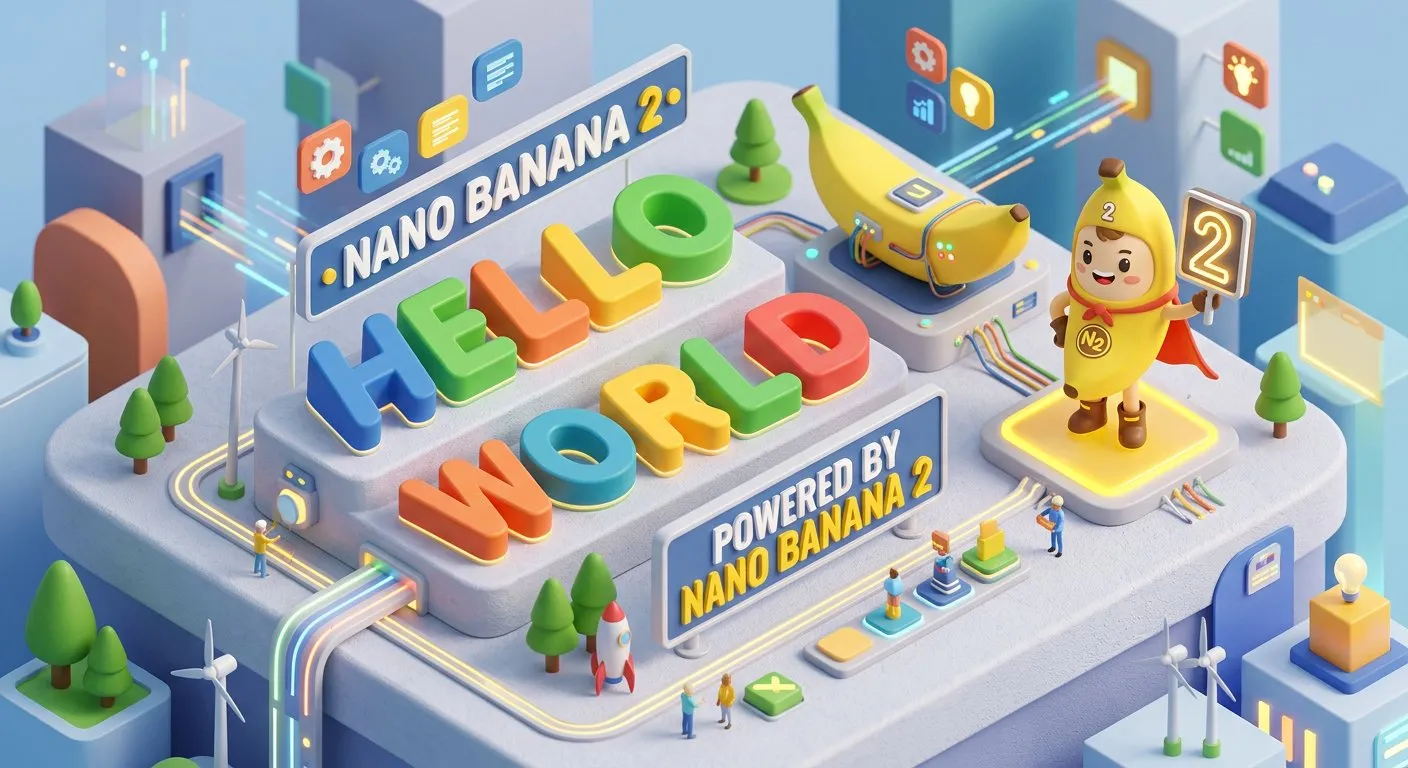
Nano Banana 2 – Gemini 3.1 Flash Image Generator and Editor
Generate and edit images with Google's Nano Banana 2, also known as Gemini 3.1 Flash Image. It combines Pro-level visual quality with Flash-speed iteration, advanced world knowledge, subject consistency, flexible aspect ratios, and up to 4K output.
Nano Banana 2 Applications
Use Nano Banana 2 for fast production-quality image generation and editing.
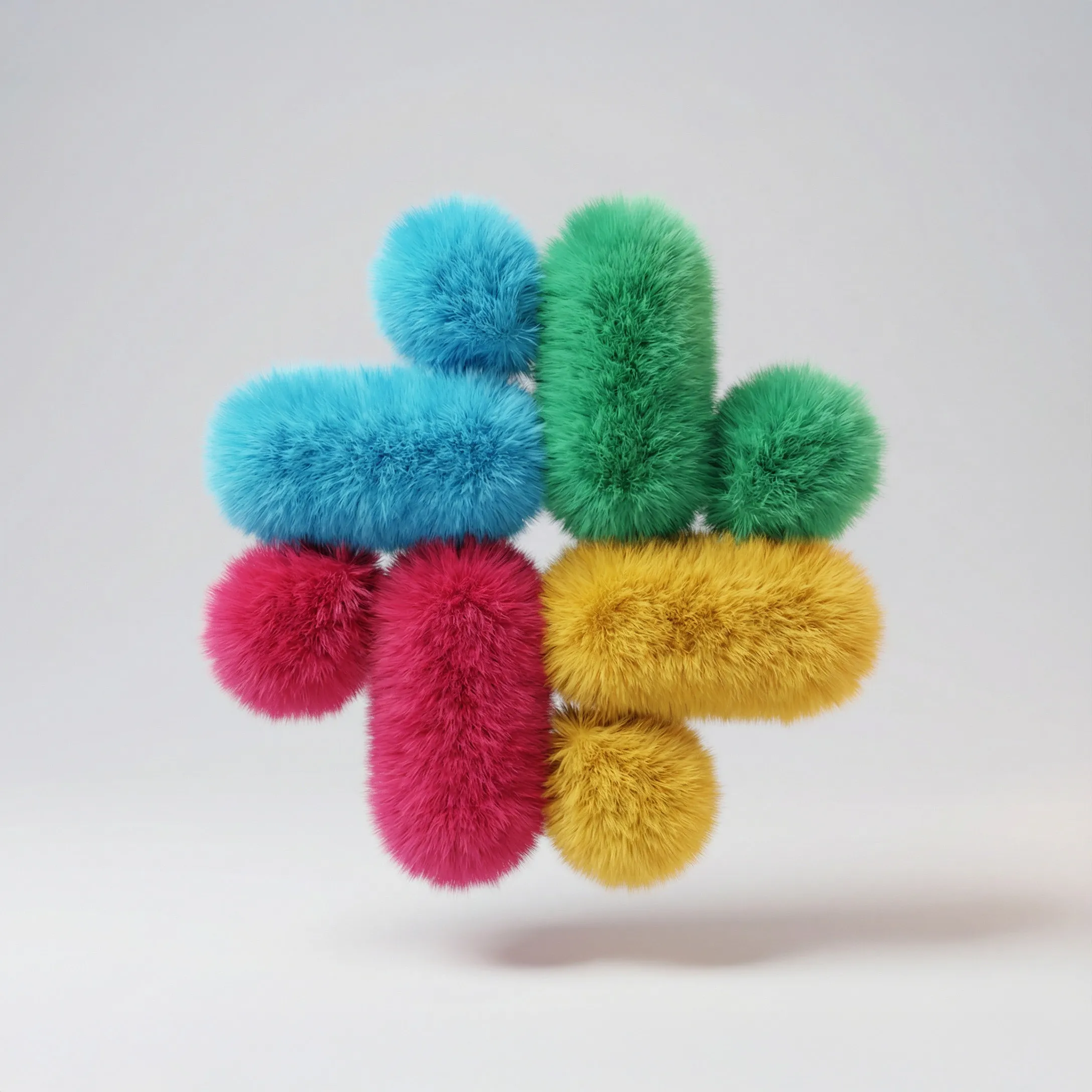
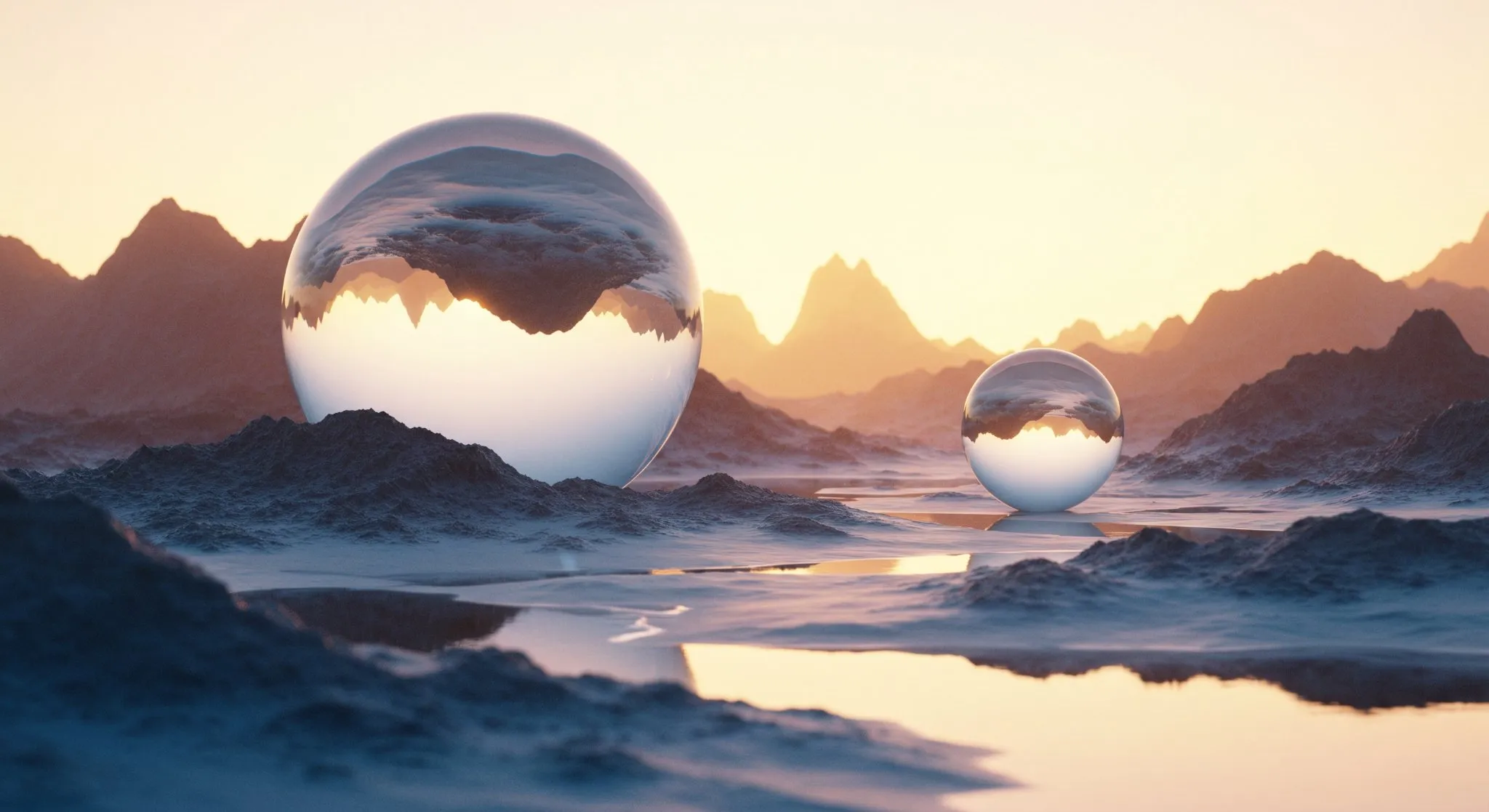

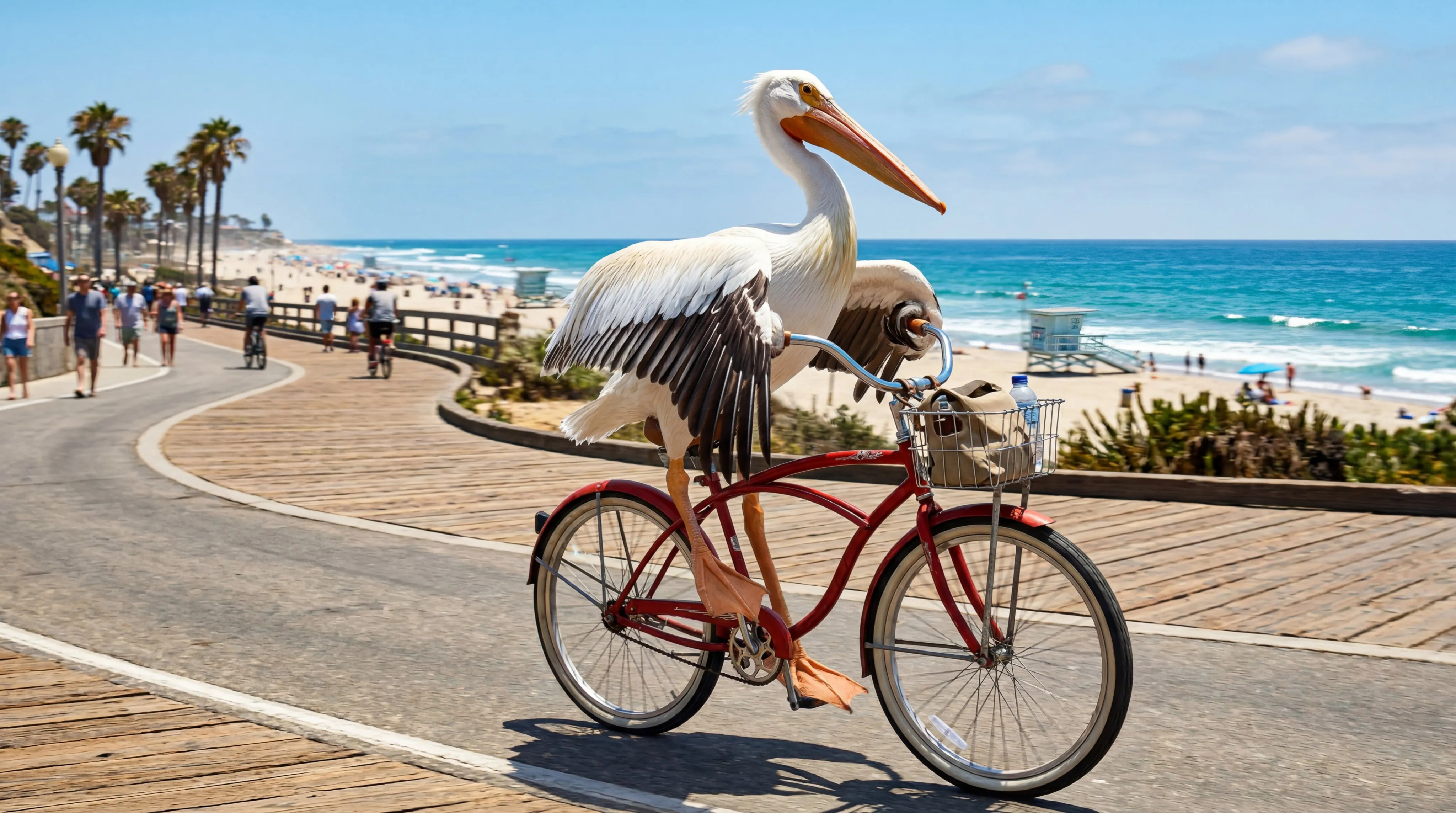
Pro-Level Quality at Flash Speed
Nano Banana 2 brings advanced image generation and editing into a faster Flash model, making it practical for rapid creative iteration and higher-volume workflows without giving up strong visual fidelity.
Fast Iteration
Generate and revise creative directions quickly for campaigns, product concepts, and social visuals.
High-Fidelity Output
Produce detailed images with richer lighting, sharper structure, and production-ready visual quality.
Flash-Tier Workflow
Balance quality, speed, and cost for teams that need more visual throughput.

Reference-Guided Editing and Fusion
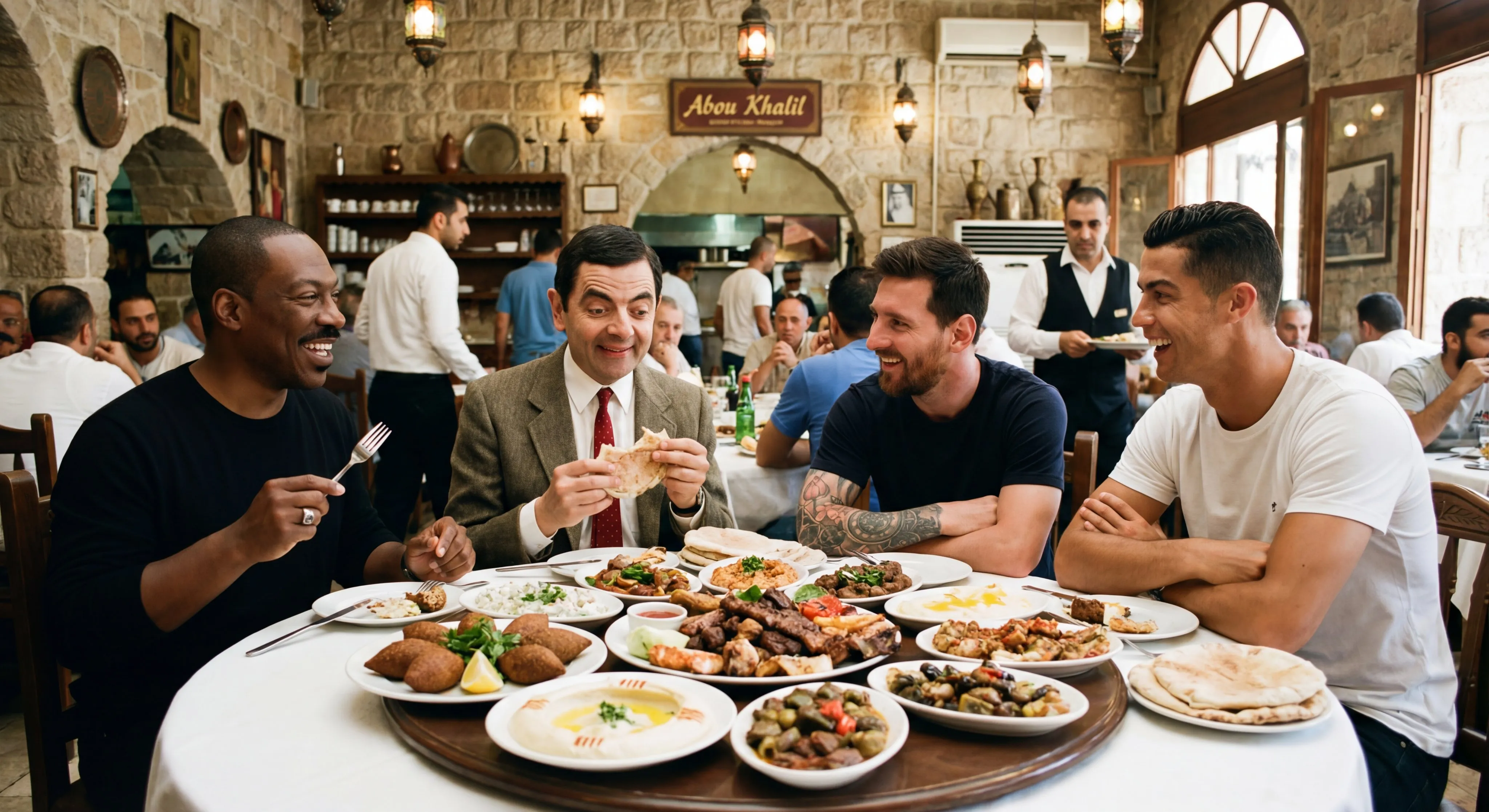
Upload reference images for transformations, image fusion, style transfer, subject preservation, and guided edits. Nano Banana 2 supports up to 14 input image URLs through Kie AI, making it useful for complex visual workflows.
Up to 14 References
Use multiple source images for products, people, objects, and scene references.
Subject Consistency
Keep recurring subjects, products, and brand elements more stable across edited images.
Image Fusion
Blend reference images into unified compositions with prompt-guided creative direction.
Flexible Formats up to 4K
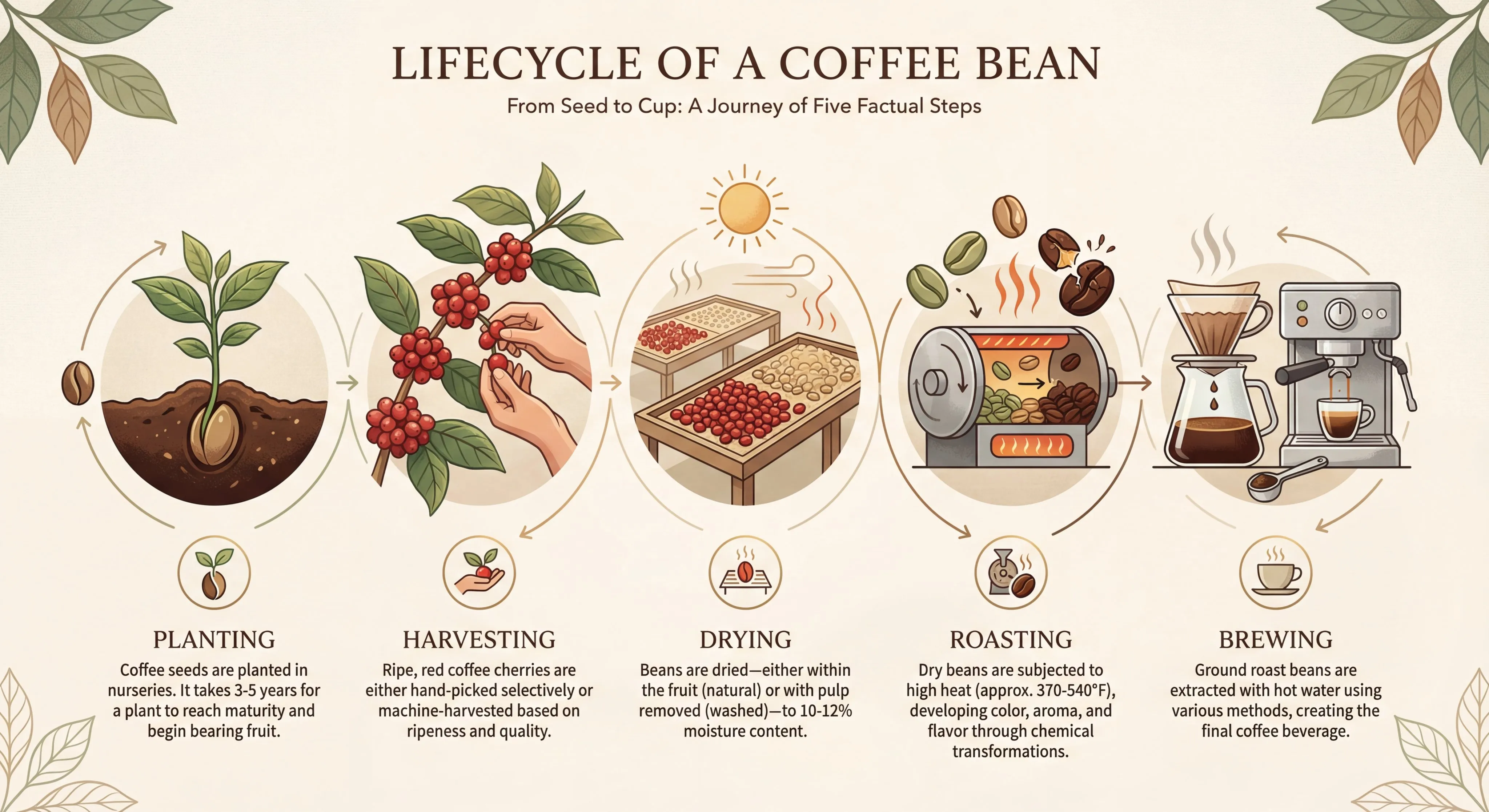
Choose from wide, tall, square, panoramic, and extreme aspect ratios with 1K, 2K, or 4K output. Nano Banana 2 is suited for social campaigns, landing visuals, cinematic frames, infographics, and commercial image production.
14 Aspect Ratios
Support square, portrait, landscape, ultra-wide, and extreme layout formats.
Resolution Control
Select 1K, 2K, or 4K based on cost, speed, and final quality needs.
PNG or JPG Output
Choose output format for publishing, editing, or downstream asset pipelines.
Nano Banana 2 Capabilities
Generation and editing capabilities built for practical creative production.
Fast Advanced Editing
Make prompt-guided edits quickly while preserving key details from reference images.
Text-to-Image Generation
Generate high-quality images from detailed prompts with strong instruction following.
Reference Image Control
Use up to 14 source images for transformations, fusion, and consistency-sensitive creative work.
Flexible Aspect Ratios
Create square, portrait, landscape, ultra-wide, and extreme-ratio images for many platforms.
1K, 2K, and 4K Output
Control quality and credit cost with resolution-specific generation options.
World Knowledge and Text Rendering
Create more grounded scenes, diagrams, infographics, and multilingual text-rich graphics.
Generate or Edit Images in Four Steps
A flexible workflow for Nano Banana 2 text-to-image and image-to-image creation:
Describe the Visual Direction
Write a detailed prompt covering subject, scene, style, lighting, text, layout, and output intent.
Upload Reference Images
Add up to 14 references when you want editing, image fusion, product consistency, character consistency, or stronger visual control.
Choose Aspect Ratio and Resolution
Select from supported ratios including square, portrait, landscape, ultra-wide, and extreme formats, then choose 1K, 2K, or 4K output.
Generate, Review, and Iterate
Use Flash-speed iteration to refine prompts, product details, text rendering, subject consistency, and brand presentation.
Technical Information and Common Questions
Common questions about Nano Banana 2 generation and editing.
What is Nano Banana 2?
Nano Banana 2 is Google Gemini 3.1 Flash Image, a fast image generation and editing model with strong visual quality and practical creative controls.
Does Nano Banana 2 support text-to-image?
Yes. You can generate images directly from a prompt without uploading references.
Does Nano Banana 2 support image-to-image?
Yes. The Kie AI endpoint accepts image_input URLs plus a prompt for reference-guided editing and transformations.
How many reference images are supported?
This integration supports up to 14 input image URLs, matching the Kie AI Nano Banana 2 API documentation.
Which aspect ratios are available?
Supported ratios include auto, 1:1, 1:4, 1:8, 2:3, 3:2, 3:4, 4:1, 4:3, 4:5, 5:4, 8:1, 9:16, 16:9, and 21:9.
Which resolutions are available?
Nano Banana 2 supports 1K, 2K, and 4K output in this integration, with credit pricing based on the selected resolution.
What output formats are supported?
The Kie AI Nano Banana 2 endpoint supports PNG and JPG output formats.
What is Nano Banana 2 best for?
It is well suited for fast campaign creative, product visualization, reference-guided editing, consistent subject generation, infographics, and multi-format content production.
Create Faster with Nano Banana 2
Use Nano Banana 2 for fast text-to-image generation, reference-guided edits, flexible aspect ratios, and 4K creative workflows.