
Describe what you want to generate
Select or drop multiple images, up to 1. JPG, PNG or WebP; 10 MB each.
Gemini Omni 1.2 Flash AI Video Generator
Generate 3–15 second Gemini Omni 1.2 Flash videos with synchronized audio. Start from a text prompt or one opening image and choose portrait or landscape.
Gemini Omni 1.2 Flash clips from Kie
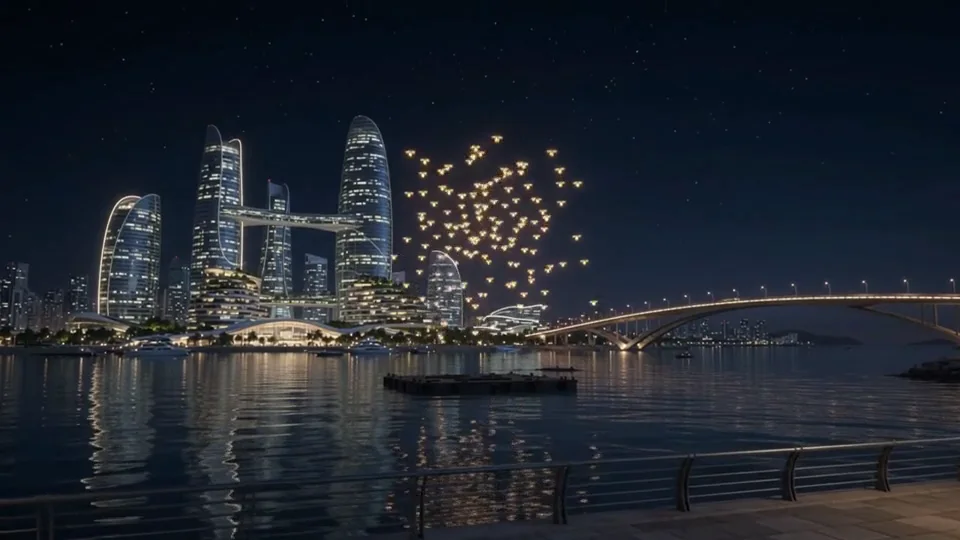
Kie published a prompt-to-video example and a first-to-last-frame transition. Flux2pro accepts one first frame; the two-frame clip illustrates a separate provider mode.
Plan motion and sound in a short clip
Give the model a visible action, a camera instruction and one clear sound cue.
Decide what should happen first
If you upload a first frame, describe what moves after it. Specify a steady camera or a single camera move to help review continuity.
Try this brief
“Five seconds. Slow push toward an empty glass greenhouse at dawn. Condensation slides down the panes. Hear soft rain and a distant bird. No dialogue.”
Review with headphones
Check whether the sound starts at the right moment and whether it matches the movement. Recheck the edges of the frame for unwanted crops.
Video settings on Flux2pro
Three to fifteen seconds
Choose duration in whole seconds. Use a short clip for a single action, then allow more time if it needs a setup and a finish.
Sound generated with the video
Include dialogue, ambience or sound effects in the prompt. This page does not accept an audio upload or provide a separate sound toggle.
Choose framing and detail
Set 16:9 or 9:16. Available tiers are 360p, 720p, upscaled 1080p and 4K. A higher tier cannot fix motion or continuity problems in a take.
How to make a Gemini Omni 1.2 Flash video
Describe the shot
Write the opening view, a single action, the camera movement and what should be audible.
Set the frame and duration
Use text alone, or upload one opening image. Choose the ratio, resolution and length.
Check the cut
Preview movement and audio together. Check speech, sound timing and anything that needs to remain recognizable throughout the clip.
Gemini Omni 1.2 Flash questions
Does it create sound automatically?
Yes. The model generates synchronized audio with the clip. Write sound requirements in the prompt and listen before publishing.
Can I specify a last frame here?
This page accepts one optional first frame. The provider also documents first-and-last-frame generation and video editing, but those routes are not exposed here.
Is 4K generated natively?
EvoLink describes 1080p and 4K as upscaled output tiers. Use a lower resolution to review the shot before selecting a higher tier.
Try a short Gemini Omni shot
Choose a single action and describe the sound you want it to make.