
Nano Banana 2.1
Describe what you want to generate
Select or drop multiple images, up to 14. JPG, PNG or WebP; 10 MB each.
Nano Banana 2.1 Image Generator & Editor
Create campaign visuals, posters and product scenes with Google's Nano Banana 2.1. Start with a text brief or upload reference images, then choose 1K, 2K or 4K. Explore the update's focus on visual design, readable text and consistent subjects while keeping control of your composition.
From a fresh brief to a focused edit
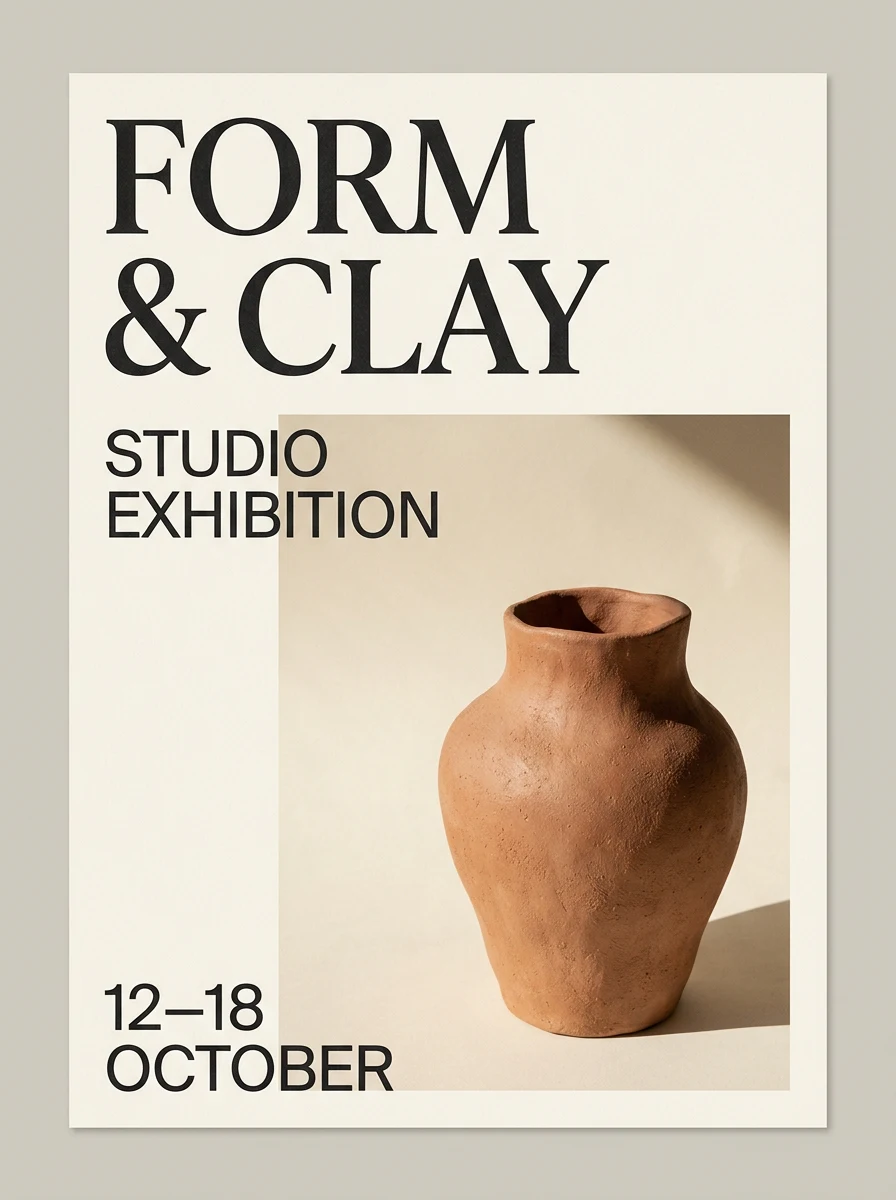
These examples were generated with Nano Banana 2.1 through Flux2pro's connected image service on October 7, 2026. They illustrate specific prompts, rather than a comparison with other models.
Build the image around the job it needs to do
Give the model a concrete brief, then inspect the details that matter to your audience.
Make words part of the composition
Google highlights improved text rendering and infographic layouts in this update. For a poster or menu, specify the exact copy, its placement and the visual hierarchy. Keep essential text short; check spelling, dates and alignment at the final display size.
Separate the headline from supporting copy
Write each line in quotation marks. Name which line should dominate and which should stay small. Avoid asking the model to invent prices or event details.
Prompt idea: a bilingual announcement
Create a minimal exhibition poster. Exact headline: ‘陶艺展’. English subheading: ‘FORM & CLAY’. One terracotta vase, ivory background, dark type, generous margins. No other text.
Proofread before sharing
Treat the generated design as a draft. Correct broken characters, accidental words and inconsistent punctuation before publication.
Use references to explain what must stay
Bring a product photo or a previous result into the next edit. State the required shape, colors and materials before describing a new setting. Change one part of the brief at a time so you can spot unwanted changes to the subject.
Choose references with distinct roles
Use a clean subject image for shape and a separate image for the setting or style. Explain each reference's role instead of expecting the model to infer your priorities.
Prompt idea: change the setting
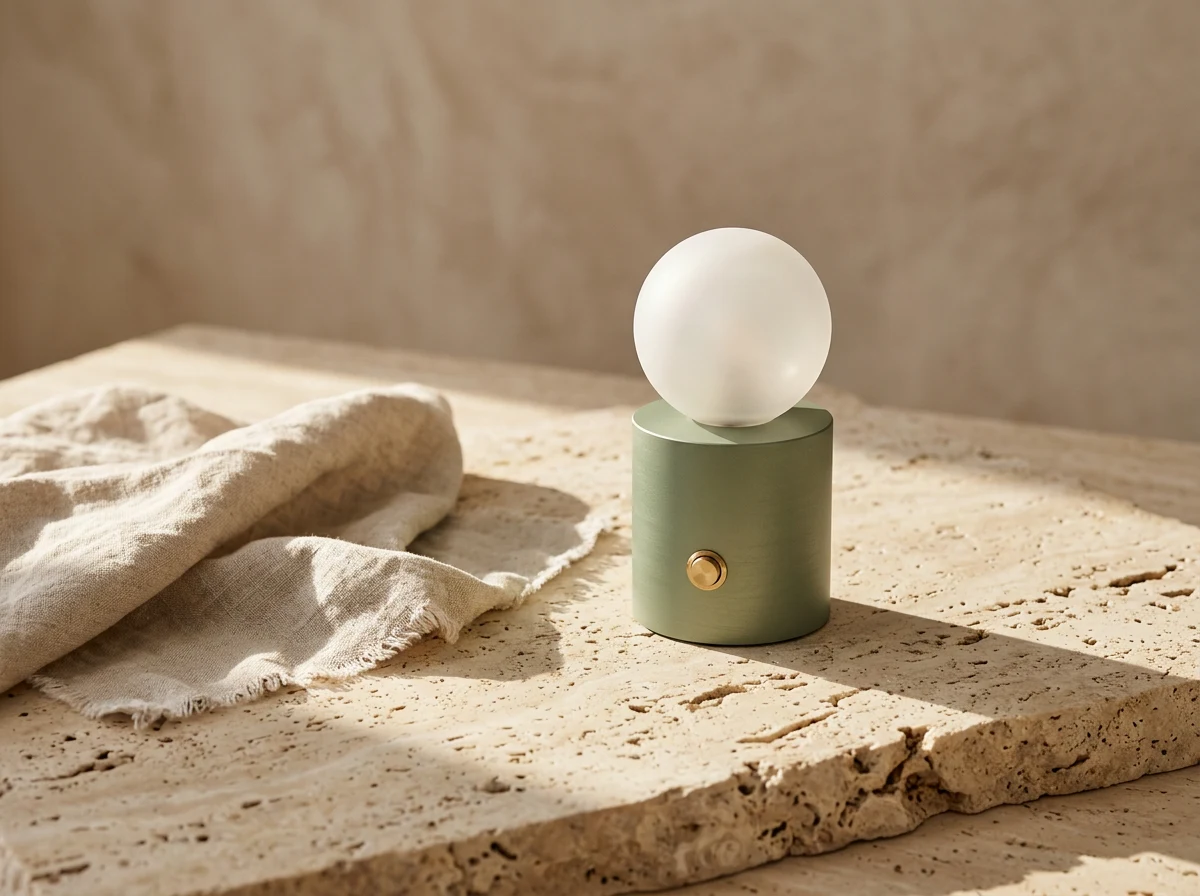
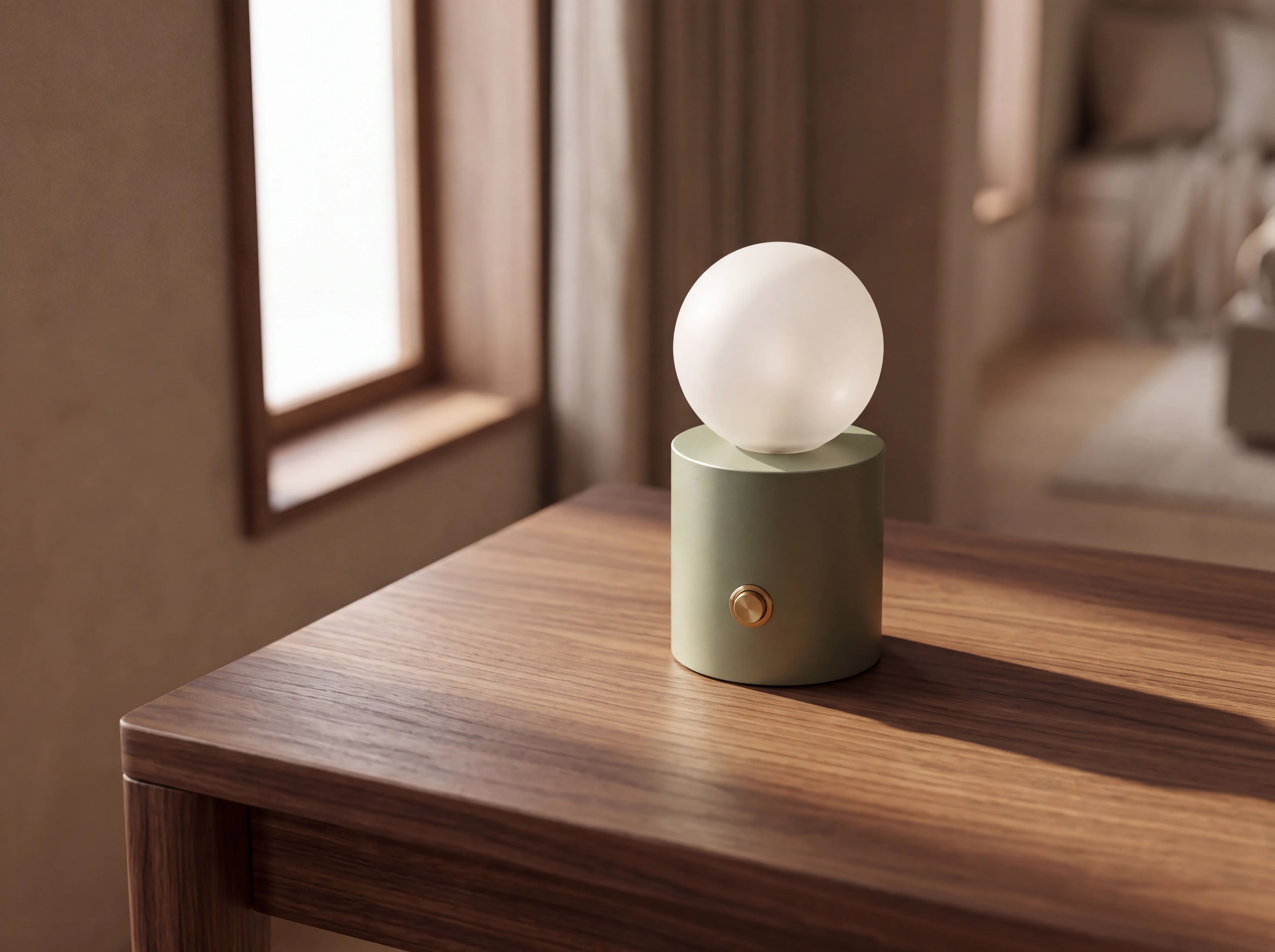
Keep the lamp's sage green base, spherical shade and brass switch. Replace the stone tabletop with a walnut desk beside a window. Keep the camera angle; change only the setting and light.
Inspect the details that define the product
Compare the result with the source. Check proportions, small controls, labels and material edges. Reference input helps direct an edit; it does not guarantee an exact copy.
Plan a wide frame before increasing resolution
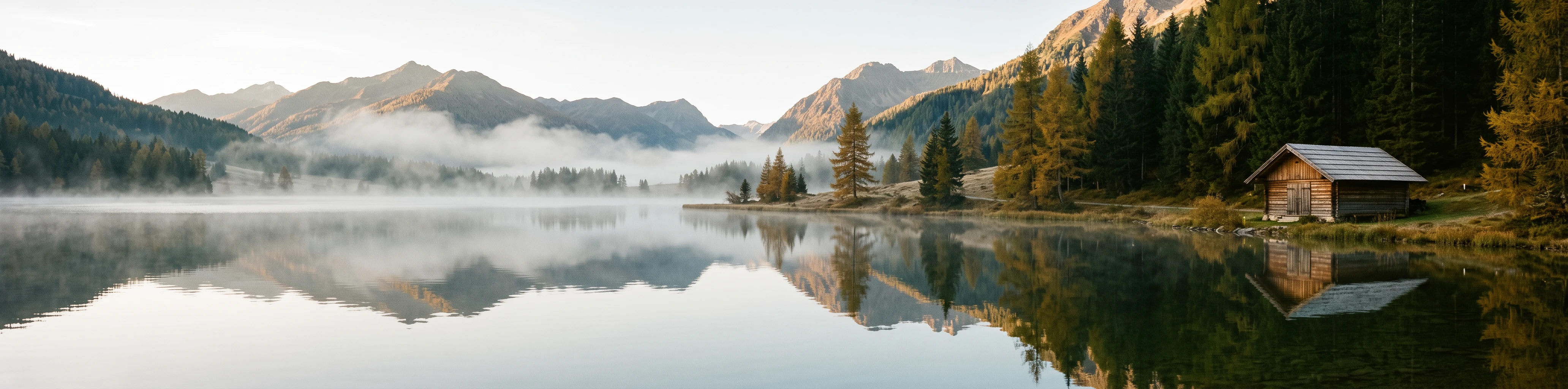
Google reports fixes to tiling artifacts in extreme wide and tall formats at 2K and 4K. Start by deciding where the subject and empty space belong. A banner needs a composition that still works when a phone crops it.
Give the crop a purpose
Use 1:1 for a square tile, 9:16 for a vertical story or 16:9 for a landscape visual. Try 4:1 or 8:1 when the layout calls for an unusually wide image.
Reserve space for a headline
Describe the subject's position and which side should remain visually quiet. Add final interface text separately when it needs to stay selectable or accessible.
Move from draft to final
Explore the composition at 1K, then request 2K or 4K once the brief works. A new generation can change details, so review the final result again.
What you can use on this page
Flux2pro provides an independent workspace for Google's model. Model information was checked against official documentation on October 7, 2026.
Text to image
Describe a scene, subject or design in up to 2,000 characters. Specify the important relationships before adding style cues.
Reference image editing
Upload up to 14 JPEG, PNG or WebP images, up to 10 MB each. Explain what each reference contributes and what should remain unchanged.
1K, 2K and 4K
The workspace starts at 1K. Choose a higher resolution for the final asset; 0.5K is unavailable for this model.
Flexible aspect ratios
Choose auto or one of 14 ratios, including square, portrait, landscape and extreme panorama formats.
One result per request
Each generation returns one image. Download it or use it as the reference for another edit.
Credits shown before generation
A text-only request costs 8 credits at 1K, 12 at 2K or 24 at 4K. Reference images add 1 credit per group of up to 3 images.
From brief to a reviewed image
Sign in and make sure you have enough credits before submitting a generation.
Define the intended use
Name the subject, setting and audience. Add the exact words if the image needs text; distinguish required details from optional style choices.
Add references when needed
For an edit, upload the subject or previous result. Say what to preserve and what to replace. For a fresh image, leave references empty.
Choose the frame and resolution
Match the ratio to your layout. Start with 1K for composition work and review the displayed credit cost, including references.
Generate, inspect and refine
Check text, anatomy, product details and cropping. Download an approved result, or re-upload it with a focused instruction for the next edit.
Nano Banana 2.1 questions
Understand the model update and the controls available here.
What is Nano Banana 2.1?
It is Google's image generation and editing update to Nano Banana 2, released on October 6, 2026. The model ID is gemini-nano-banana-2.1. Flux2pro's dedicated option uses this model rather than relabeling the earlier Nano Banana 2 route.
What changed from Nano Banana 2?
Google describes improvements to visual quality, instruction following, text rendering and consistency across edits. Its documentation also identifies fixes for wide-format tiling. These are the manufacturer's claims; the examples above demonstrate individual briefs, not a controlled benchmark.
Is it better than Nano Banana Pro for every task?
A release announcement does not settle that question for your brief. Compare the same prompt and references, then inspect the details your work depends on. Keep the result that meets your requirements, including legibility and subject fidelity.
How do repeated edits work here?
Download a result and upload it as a reference for the next request. Describe the specific change and what must stay. Each request is separate; the workspace does not automatically carry a conversation history into the model.
Does this form include search grounding or mask editing?
This form offers prompts, reference images, ratios and resolution. It does not expose web search, image search, masks or a thinking-level selector. Google's broader model capabilities and other product interfaces can differ from these controls.
How much does an image cost?
On Flux2pro, text-only generation costs 8 / 12 / 24 credits at 1K / 2K / 4K. References add 1 credit for 1–3 images, 2 for 4–6, and so on, up to 5 for 14 images. The generator shows the total before submission. These are site credits, not Google's API prices.
Can it produce accurate text and factual diagrams?
Use exact wording and a clear layout, then verify every label and number. For factual material, provide checked information in the prompt. An attractive image does not establish that its text or claims are correct.
What should I check before using a generated image?
Review spelling, subject details, unwanted additions and the final crop. Use reference material you have permission to use, and check any requirements for the intended publication or commercial context.
Turn a clear brief into your next visual
Start with a 1K draft, inspect the result and refine the details before creating a final asset.