
Describe what you want to generate
Select or drop multiple images, up to 10. JPG, PNG or WebP; 10 MB each.
Nano Banana 2 Lite Image Generator & Editor
Explore visual ideas and make focused edits at native 1K with Nano Banana 2 Lite (Google’s Gemini 3.1 Flash-Lite Image). Write a brief or add references, choose a frame and review the credits before generating on Flux2pro.
A practical place to test a visual direction
Lite suits composition drafts and small revisions when native 1K is enough. Check an individual result against your brief before using it.
Compare ideas with a stable brief
Ask for a specific change

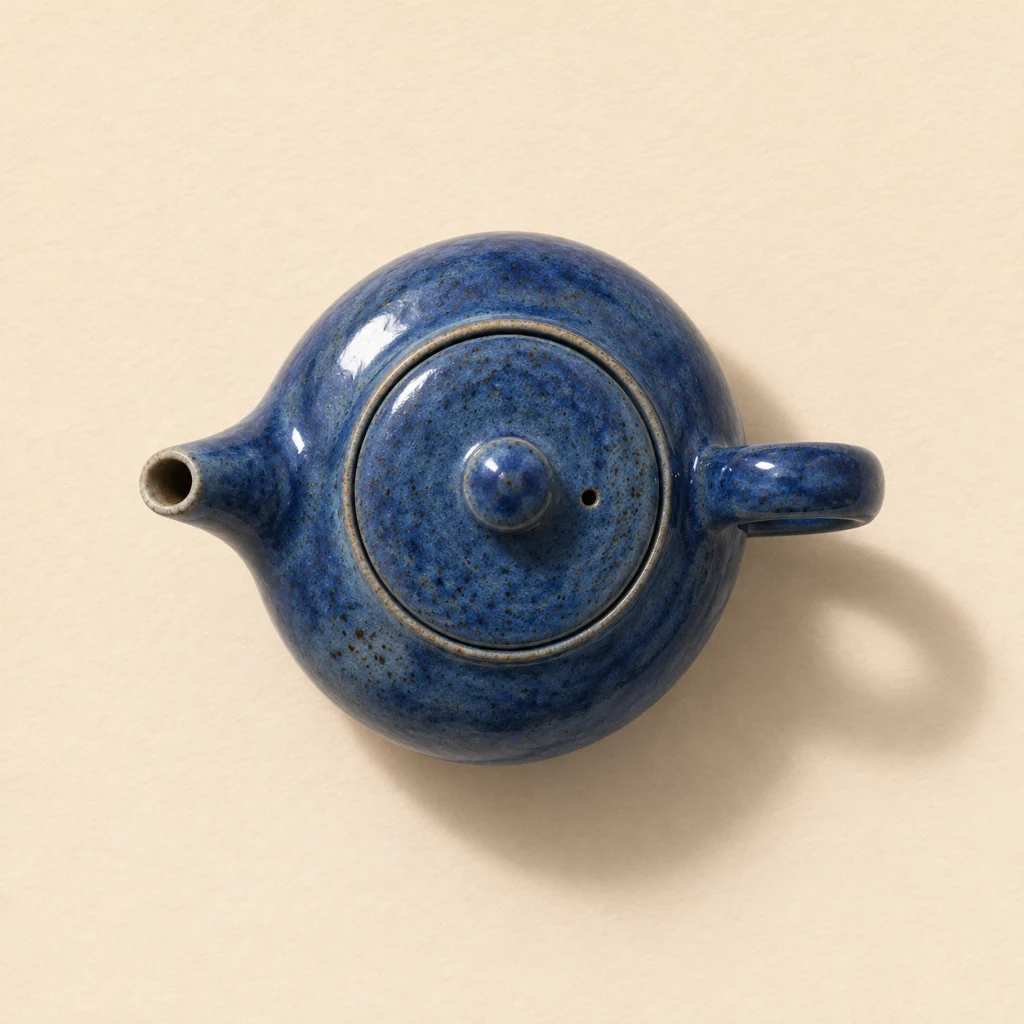
Upload a subject image and describe a single edit, such as replacing the background while preserving the silhouette and colors. With several references, explain each image’s role. Inspect logos, hands and small details; references do not guarantee an exact copy. The ImageGen comparison shows the blue teapot on ivory paper and on muted pink paper.
Choose Lite for the output you need
This page creates one native 1K image per request. Use it to explore layouts and prepare web visuals; compare Nano Banana 2 or 2.1 when you need their resolution controls. The original Nano Banana and Nano Banana Pro remain separate choices. The ImageGen mockup shows how the teapot image can work in a web card.
Compare Nano Banana
Compare Nano Banana 2
Compare Nano Banana 2.1
Explore Nano Banana Pro

Controls available here
Flux2pro is an independent service, not a Google website. Parameters were checked against the Kie and EvoLink model pages on November 13, 2026.
Text to image
The form accepts up to 2,000 characters. Put required subjects, placement and exact wording ahead of optional style cues.
Up to 10 references
Upload JPEG, PNG or WebP files up to 10 MB each. This workspace uses the shared limit supported by both connected providers.
Native 1K only
Lite has no 2K or 4K option here. Pixel dimensions depend on the chosen aspect ratio; 1K does not mean every frame is square.
Auto or 14 aspect ratios
Choose a square, portrait, landscape or extreme frame, including 1:4, 4:1, 1:8 and 8:1. Auto lets the model choose.
One image with SynthID
Each request produces one image with Google’s SynthID watermark. Review text and subject details before sharing.
Credits before submission
The quote includes an output estimate, a text and thinking allowance, and reference-image costs. Provider rates and input counts can change the quote.
Work from a clear brief
Sign in, check your balance and generate one request at a time.
Describe the intended image
Name the subject, frame and use. For text inside an image, supply the exact words and check spelling afterward.
Add references if needed
Leave uploads empty for text to image. For edits, identify what must stay and what should change.
Choose a ratio and check credits
Output stays at 1K. Choose a ratio for the destination layout and review the displayed total after adding references.
Inspect and revise
Check cropping, labels and subject fidelity. Download a result and upload it again for a new focused edit; requests do not share a conversation history.
Questions about Nano Banana 2 Lite
Model identity, practical limits and the available workflow.
What is Nano Banana 2 Lite?
Nano Banana 2 Lite is Google’s Gemini 3.1 Flash-Lite Image model. Flux2pro connects through EvoLink and Kie for text-to-image and reference editing. This is a distinct model option, separate from Nano Banana, Nano Banana 2, Nano Banana 2.1 and Pro.
Can Lite produce 2K or 4K images?
The current provider model pages specify native 1K only. Kie has no resolution parameter for Lite. Choose another model page if you need a higher-resolution option.
Why does this form allow fewer inputs than some APIs?
Kie lists up to 10 reference images and a 20,000-character prompt; EvoLink lists up to 14 references and a prompt budget of 2,000 tokens. This form uses up to 10 files, 10 MB each, and a conservative 2,000-character limit so the same workflow can use either provider. Flux2pro sends prompts over its EvoLink byte limit to Kie.
How are credits calculated?
Flux2pro uses site credits. The estimate takes the higher connected-provider output price, adds a text and thinking reserve plus reference costs, and rounds up to whole credits. Review the total in the generator; it is not the suppliers’ own credit unit.
Are thinking controls, masks or search available?
This form offers a prompt, references and aspect ratio. It has no thinking selector, masks or search controls. The EvoLink connection uses a fixed low thinking setting.
How long does a request take and what format is returned?
Timing depends on the provider and queue; there is no fixed completion guarantee. Kie documents JPEG output for Lite with no format selector. This workspace does not promise a selectable output format.
Try a small, concrete brief
Pick a composition, review the credits and refine the result at native 1K.